
Why AI Product Photography Mistakes Almost Always Come Down to the Same Thing
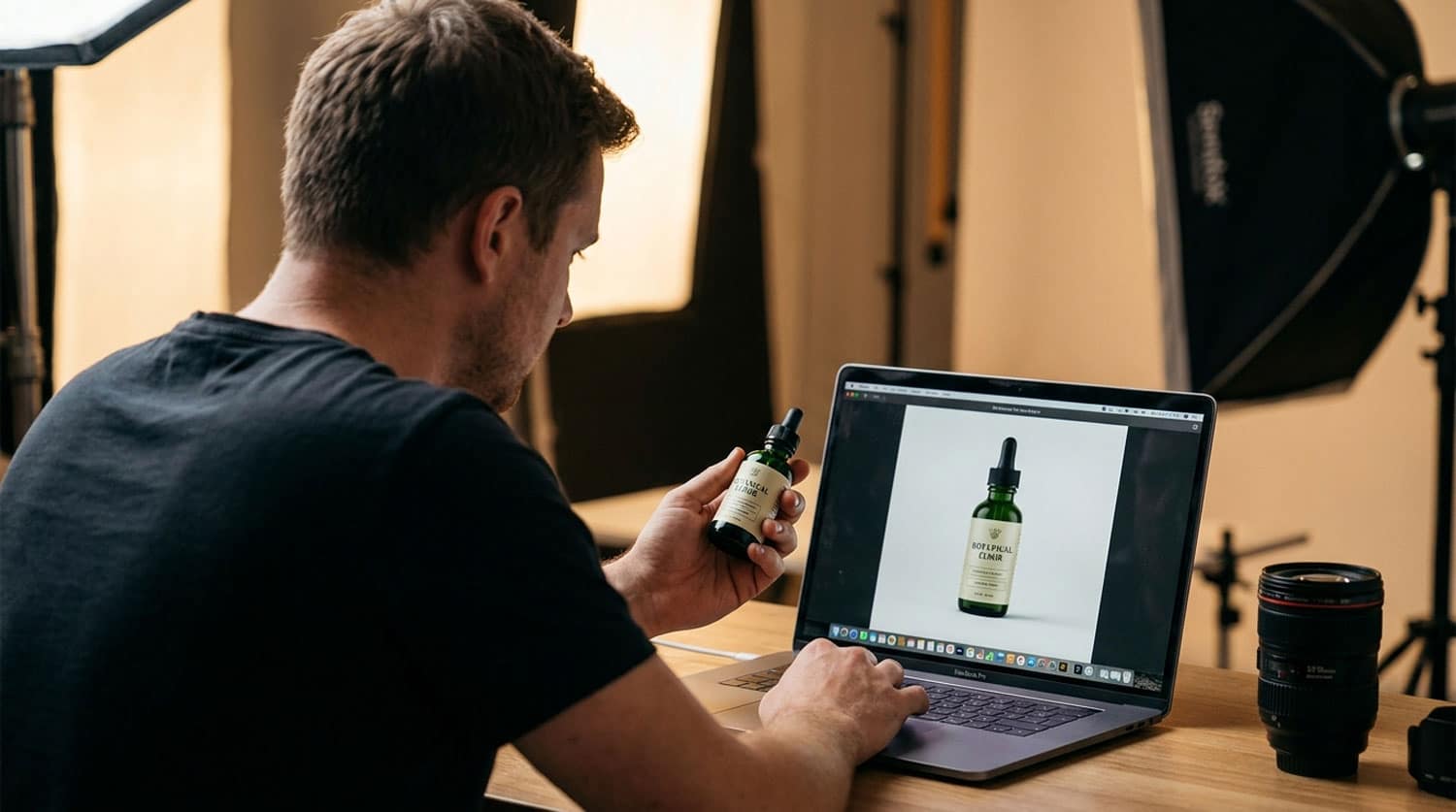
The most common AI product photography mistakes have nothing to do with the AI. After 16 years shooting commercial product photography, the pattern is clear: when AI-generated images fail commercially, it is almost never because the tool is bad. It is because nobody in the workflow had the photographic knowledge to set the tool up for success, review the output critically, or spot where things had quietly gone wrong. The tools have genuinely improved. What has not improved is the assumption that better tools remove the need for better judgement.
This article is not a defence of traditional photography over AI. The studio here uses AI-enhanced workflows every week for UK e-commerce brands, and the results are strong. But those results depend on the same principles that governed a good studio shoot in 2010: accurate light, faithful colour, correct geometry, and images that represent the product honestly. AI does not change those principles. It just gives you more ways to violate them at scale.
The Source Image Problem: Garbage In, Garbage Out
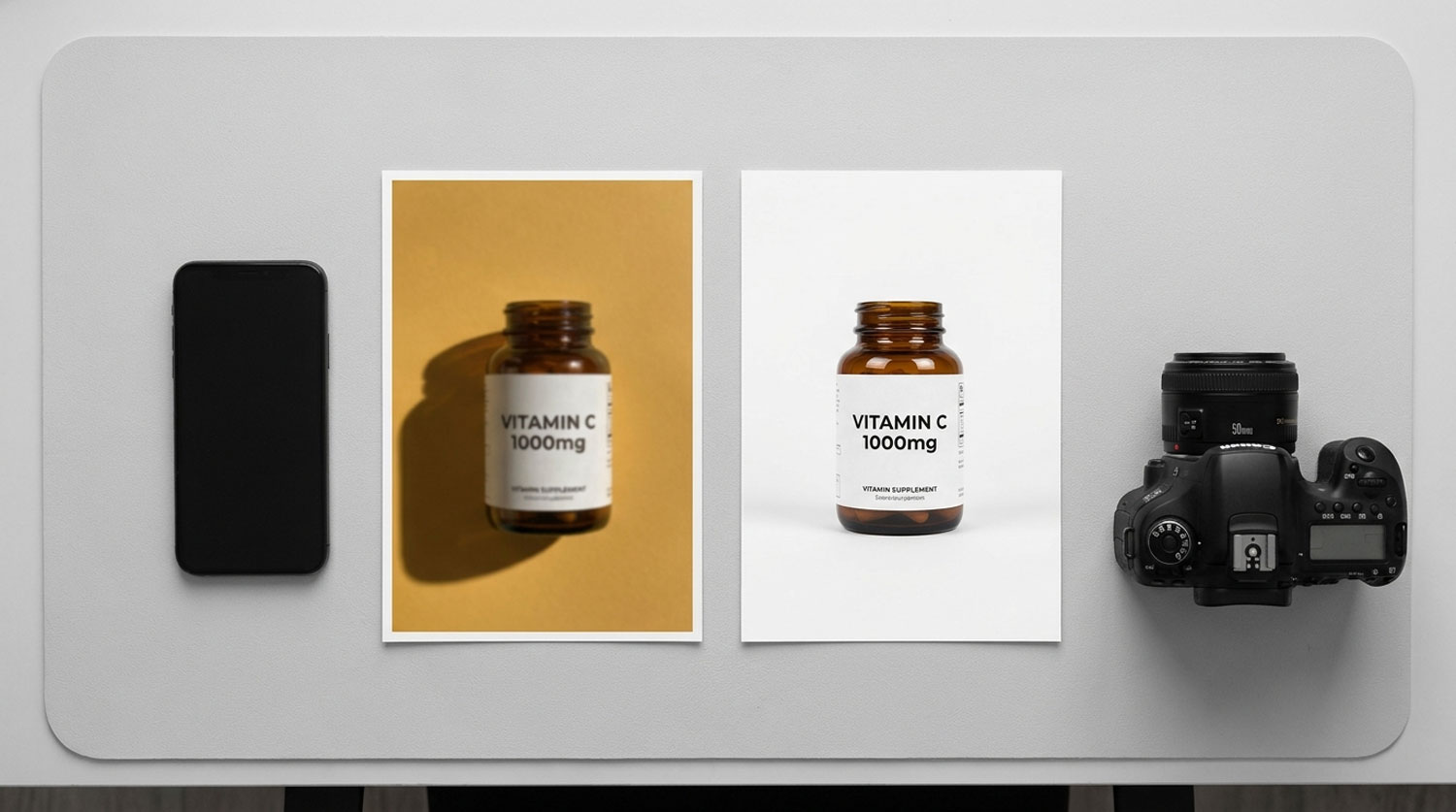
AI image-to-image tools — the only kind that should ever be used for real product listings — work by taking your source photograph and transforming it. The quality of everything that comes out is constrained by the quality of what goes in. This seems obvious. In practice, it is the single most common point of failure.
A source image shot on a phone under mixed indoor lighting, with a cluttered background and soft focus, gives the AI very little to work with. The AI cannot reconstruct detail that was never captured. It cannot correct colour that was never right. It cannot sharpen edges that were never sharp. What it can do is produce something that looks plausible at small screen size, passes a casual glance, and falls apart the moment a customer zooms in or the product arrives and looks nothing like the image.
The practical standard for a source image that will survive an AI workflow:
- Shot under controlled, consistent light — daylight-balanced studio flash or continuous LED, never mixed sources
- Sharp focus across the full product face, not just the centre
- Correct white balance set in-camera or adjusted in RAW before export — not corrected in post
- Clean background, free of shadows that compete with the product
- High enough resolution that the final crop at 1:1 zoom still holds detail
- Shot to show the complete product — no cropped edges, no important details cut off
None of this requires a full studio setup. But it does require knowing what you are looking for. A photographer’s eye for a source image is not mystical — it is a trained habit of checking specific technical parameters before moving on. Without it, the AI workflow starts on the back foot and stays there.
Lighting Decisions the AI Cannot Undo
Lighting is the most consequential decision in product photography, and it is one the AI cannot reverse once made. You can change a background in post. You can adjust a colour grade. You cannot reconstruct the three-dimensional form of a product that was flattened by a single overhead light source, or separate a highlight from a blown-out white area that was overexposed at capture.
The shadow mismatch problem
When a brand takes a product photo with light coming from one direction and then places it into an AI-generated scene where the ambient light comes from another direction, the result is a product that looks pasted in rather than photographed in place. The shadow falls the wrong way. The highlights do not match the scene. The product looks artificial even if the scene itself is convincing. This is one of the most reliable ways to signal to a customer — consciously or not — that something is off.
Avoiding it requires the source photo to be lit in a way that is consistent with the scenes the AI will generate. This is a pre-production decision, not a post-production fix. It means planning the shoot with the final use in mind, which is exactly what a photographer does in briefing and which rarely happens when brands shoot their own source material.
Reflective and transparent materials
Glass, polished metal, clear packaging, and lacquered surfaces all reveal lighting through their reflections. A badly lit source shot of a glass perfume bottle will show the photographer’s arm, a ceiling light fitting, or a window frame in the reflection. AI will faithfully reproduce all of it, or attempt to clone it out and produce a reflection that looks physically impossible. Neither is acceptable for a premium product listing.
Photographing reflective materials correctly — using polarising filters, flagging light sources out of the reflection, building consistent wraparound light — is a specialist skill. It takes time to learn and longer to do consistently. This is precisely why reflective products are one of the most common failure categories in AI-generated imagery: the source never gave the AI anything it could work with cleanly.
Material and Texture Failures
Current AI image models have improved significantly on material rendering, but they still have a ceiling, and that ceiling becomes visible on products where texture and surface finish carry the brand’s quality signal. Leather that reads as plastic, matte packaging that develops an unwanted sheen, fabric that loses its weave detail — these are not AI glitches. They are the result of source images that did not capture the material clearly enough for the AI to reproduce it faithfully.
The failure modes that appear most often in AI-generated product images where materials are concerned:
- Colour drift — black shifts to dark grey, rose gold becomes yellow gold, ivory becomes white
- Texture smoothing — fabric weaves disappear, embossed patterns flatten, grain structures homogenise
- Surface finish confusion — matte products acquire a gloss, satin becomes either fully matte or fully glossy
- Label text degradation — particularly on curved surfaces, where text distorts or becomes unreadable
- Geometry warping — straight edges develop subtle curves, corners become rounded, proportions shift slightly
A photographer reviewing output catches these immediately because they are trained to compare image to product, not image to expectation. Someone without that training sees a good-looking image and publishes it. The customer receives the product and notices the colour is wrong, the texture is not what they expected, or the packaging looks different to the listing. Returns follow, and trust erodes.
Catalogue Consistency: Why Prompt-and-Pray Produces Visual Chaos

A single strong AI-generated image is relatively straightforward to produce. A catalogue of 50, 200, or 500 products that looks like it was shot in the same conditions by the same photographer is a fundamentally different problem.
AI tools are generative. The same prompt, run in two different sessions, will produce two images that are similar but not identical. Light direction shifts slightly. Shadow depth changes. Colour temperature drifts. Background tone varies. Across a large catalogue, these small differences accumulate until the product grid looks like it came from a dozen different sources rather than one coherent brand.
Managing this requires a workflow rather than a tool. The workflow includes:
- Standardised source photography conditions — same light setup, same camera position, same distance for every product in a category
- A defined visual reference the AI is anchored to for every generation — not a new prompt written from scratch each time
- A QA step that compares each new output to the established look before publication
- Version control on prompts and generation settings so results can be reproduced
This is what a production workflow looks like. It is not complicated, but it requires someone to design it, document it, and apply it consistently. That person needs to understand both the photographic standard being replicated and the technical constraints of the AI tool being used. Very few brands have someone on staff who can do both.
Platform Compliance Errors That Get Listings Suppressed
AI product photography mistakes are not only aesthetic. Some have direct commercial consequences in the form of listing suppression, ad rejection, or marketplace penalties.
Amazon’s image requirements for main product images are precise: pure white background (RGB 255, 255, 255), product filling at least 85% of the frame, no additional graphics, text, or watermarks, minimum 1,000 pixels on the longest side. An AI-generated image that produces a near-white but not pure-white background — which is common, because “white” in a generated scene is rarely the specific value Amazon specifies — will fail automated compliance checks. The listing goes live, appears fine, and then gets suppressed when Amazon’s systems catch it.
Beyond Amazon, the ASA’s guidance on product claims applies to advertising imagery. An AI-generated image that makes a product look materially different from the actual item — different colour, different texture, different size relative to surrounding objects — is not just a quality problem. For regulated product categories including health supplements, cosmetics, and food, it can constitute a misleading claim.
The compliance check that catches these issues is a human review against a specific checklist, not an automated pass/fail from the AI tool. It requires someone who knows the platform rules and has the critical eye to spot a background that reads as cream rather than white, or a product that looks larger in the image than it is in reality.
What the AI Cannot Supply: the QA Eye
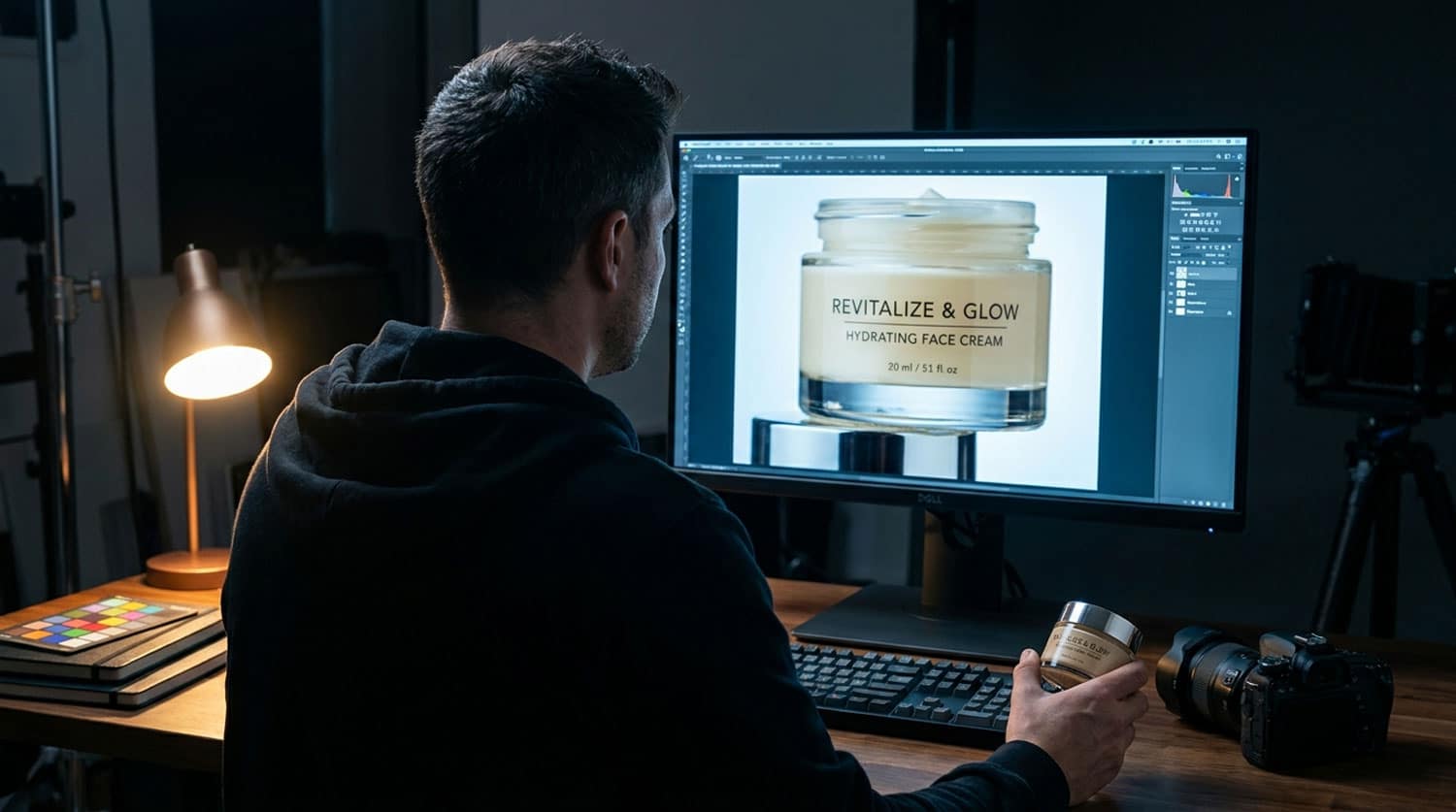
Every strong AI product photography workflow ends with a human review step. This is not optional, and it is not a rubber stamp. It is the moment where someone who understands what a commercially viable product image needs to do looks at the output and makes a professional judgement.
The review checks that the tool’s output cannot perform on itself include:
- Colour accuracy compared to the physical product — the monitor showing the image must be calibrated, and someone must check the output against the actual item
- Label legibility at 1:1 zoom — AI frequently degrades text on packaging, particularly on curved or reflective surfaces
- Geometry and proportion — products should not change shape between angles, and the dimensions should be consistent with real-world expectations
- Background compliance — pure white where required, correct density and tone elsewhere
- Shadow and highlight consistency with the scene lighting — the product should look as though it belongs in the environment, not composited into it
- Material fidelity — texture, finish, and surface behaviour should match the physical product
Running this checklist takes time. It also requires the person running it to know what they are looking for. That combination — time plus trained eye — is what separates an AI photography workflow that produces commercially viable output from one that produces images that look good in a thumbnail and cause problems when a customer receives the product.
The Hybrid Approach: What Actually Works
None of this is an argument against AI. Used correctly, AI-enhanced photography produces results that a pure studio workflow cannot match for speed or cost-per-image at scale. The point is what “used correctly” actually requires.
The workflow that produces strong, commercially reliable output — consistently, across a catalogue — is a hybrid. Real photography provides the foundation: a technically correct source image captured under controlled conditions by someone who understands lighting, materials, and the specific requirements of the platforms the images will appear on. AI then scales that foundation: generating background environments, lifestyle scenes, colour and seasonal variations, and secondary images that would take a full studio day to shoot traditionally.
| Task | Best handled by | Why |
|---|---|---|
| Main/hero product image | Studio photography | Platform compliance, material accuracy, brand standard |
| White background packshot | Studio photography | Amazon pure white requirement, label accuracy |
| Lifestyle scene generation | AI (from studio source) | Speed, cost, variation — anchored to real product photo |
| Colour and seasonal variants | AI (from studio source) | Scale without re-shooting — same product, multiple looks |
| Secondary and supporting angles | AI or studio depending on complexity | Reflective products need studio; clean shapes suit AI |
| Social and campaign crops | AI (from studio source) | Platform-specific formats produced quickly from one shoot |
| Materials QA and compliance check | Human review | Cannot be automated — requires trained eye and calibrated monitor |
The photographer’s role in this workflow is not to shoot everything. It is to establish the standard that everything else is measured against — and to direct the AI tools with the same authority and specific intent that a photographer brings to a studio brief. The difference between a photographer directing AI and a brand manager using AI tools is the same as the difference between a director of photography and someone who has read the camera manual. Both can operate the equipment. Only one knows what the result needs to look like.
If you are currently using AI tools for product photography and the results are inconsistent, the source images are not holding up under scrutiny, or images are failing platform compliance checks, the issue is almost certainly in the workflow rather than the tool. Our guide to the hybrid photography workflow covers how to structure a production process that produces reliable output at scale.
Get a Quote for AI-Enhanced Product Photography
Products Photography UK works with UK e-commerce brands, Amazon sellers, and businesses across the health, beauty, homeware, and food sectors. If AI-generated images are underperforming — inconsistent quality, failed compliance checks, or output that does not match the physical product — the studio can audit your current workflow and establish a hybrid process that does. Get in touch for a fixed-price quote.
Frequently Asked Questions
What are the most common AI product photography mistakes?
The most common mistakes are poor source images (underlit, low-resolution, or badly composed), lighting decisions that create shadows the AI cannot correct, missing a final QA review before images go live, and failing to establish a consistent workflow across a catalogue. These are workflow and knowledge problems, not tool problems.
Can AI fix a bad source photograph?
No. AI image-to-image tools are constrained by the quality of the input. A blurry, poorly lit, or incorrectly white-balanced source image will produce blurry, poorly lit, or colour-inaccurate output. The AI can change the background and the scene, but it cannot reconstruct detail that was never captured. The source photograph needs to be technically correct before any AI processing begins.
Why do AI product images sometimes fail Amazon compliance checks?
The most common compliance failure is background colour. Amazon requires a pure white background at exactly RGB 255, 255, 255 for main product images. AI-generated scenes frequently produce near-white backgrounds that fail this check, particularly when the tool is generating a contextual environment rather than a plain white. The fix is either to use AI only for secondary images and shoot main images against a real white background in studio, or to apply a specific background replacement step and verify the result against Amazon’s technical specification before uploading.
Do I need a professional photographer to use AI product photography tools?
Not necessarily, but you do need someone with photographic knowledge directing the workflow. The tools are accessible. The judgements — what makes a source image good enough, whether the output accurately represents the product, whether the result meets platform requirements — require a trained eye. Many brands find that the cost of getting this wrong (returns, suppressed listings, inconsistent brand imagery) exceeds the cost of professional input at the start of the workflow.
How do I make AI product images look consistent across a large catalogue?
Consistency comes from workflow, not from the tool. Every product in a category should be photographed under identical conditions — same light setup, same camera position, same distance. The AI generation should use a defined reference that anchors the output to an established look. Every new image should be reviewed against the catalogue standard before publication. Without this structure, small variations accumulate and the catalogue looks uncoordinated, which undermines brand trust and conversion rates.
Is AI product photography compliant with UK distance selling regulations?
AI-assisted edits that improve image quality without misrepresenting the product are generally acceptable under the Consumer Contracts Regulations 2013. The critical line is misrepresentation: an image that makes a product appear a different colour, size, material, or condition than it actually is could constitute a misleading commercial practice under the Consumer Protection from Unfair Trading Regulations 2008. The same principle applies to AI-generated imagery as to any other product image — it must represent what the customer will receive.
What should a human QA review of AI product images check?
At minimum: colour accuracy compared to the physical product, label and text legibility at full zoom, correct background tone for the intended platform, shadow and highlight consistency with the scene, material and texture fidelity, and product geometry and proportions. Each of these requires comparing the image to the physical product, not just looking at the image in isolation. A calibrated monitor is essential for colour review.
About the Author
Written by Dee Patel, founder of Products Photography UK. Dee has worked in commercial product photography for 16 years, specialising in AI-enhanced imaging workflows for UK e-commerce brands and Amazon sellers. Based in Walsall, West Midlands, the studio works with brands across the health, beauty, homeware, and food sectors.

Written by Dee Patel
Dee Patel is the founder of Products Photography UK, a West Midlands studio specialising in professional product photography and AI-enhanced imaging. With 16 years of commercial photography experience, Dee works with UK e-commerce brands, Amazon sellers, and B2B businesses across fashion, cosmetics, supplements, and more. Read Dee’s full profile →
Recent Comments